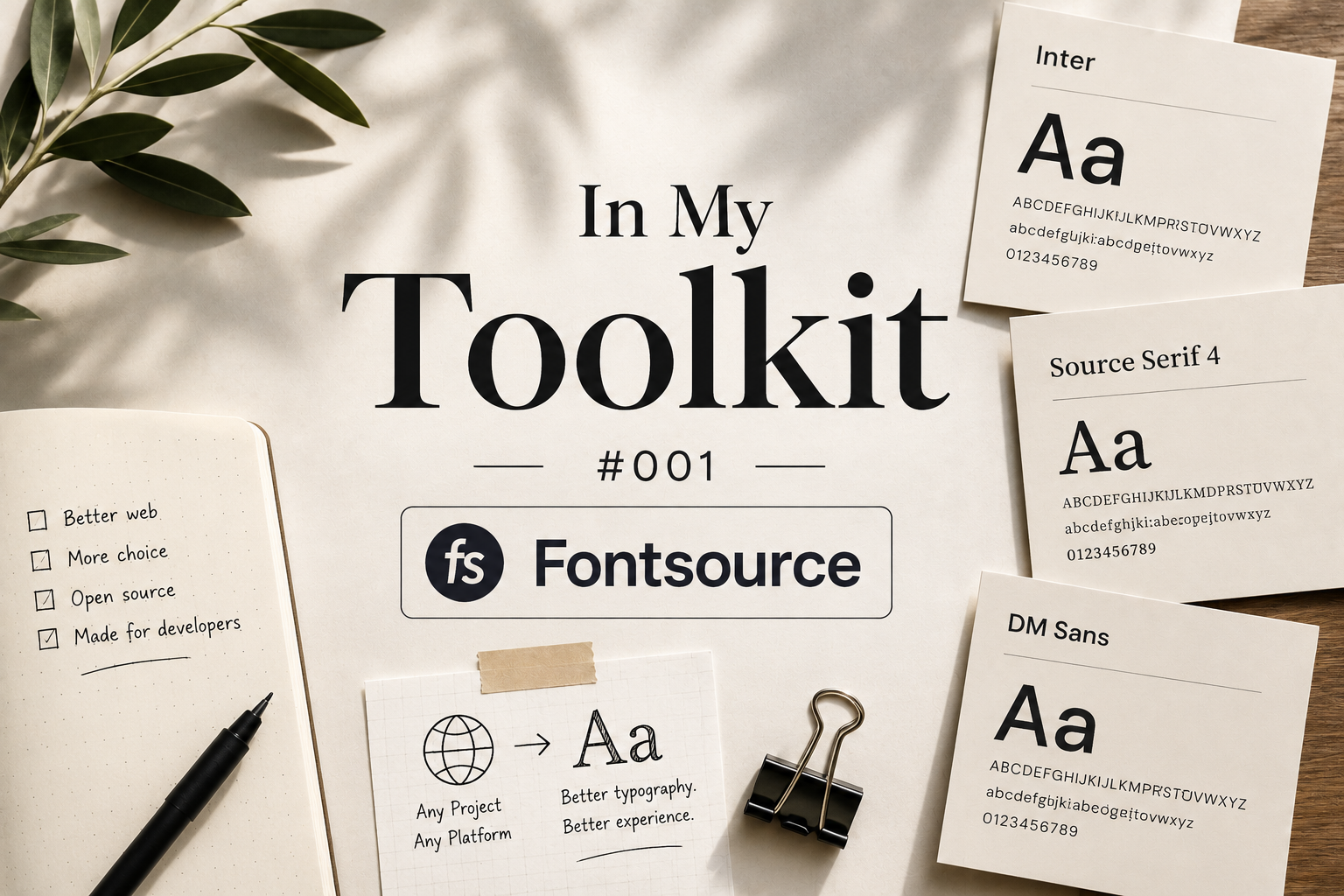
In My Toolkit #001 — Fontsource
June 2026 · 5 min read
The Problem
Self-hosting fonts always used to mean a manual trip to Google Fonts, downloading woff2 files by hand, and wiring up @font-face declarations myself. It works, but it's tedious enough that most people just reach for a CDN link and eat the extra request and the FOUC risk. Fontsource solves this by packaging fonts as actual npm packages — you install a font like you'd install any other dependency, and it ships pre-optimized, subsettable, and ready for bundlers to handle correctly.
Why this matters more with Turbopack
Google's next/font/google integration is convenient until it isn't — network-dependent fetches at build/dev time have a way of breaking in ways that have nothing to do with your code (corporate proxies, flaky connections, sporadic Turbopack resolution bugs). Fontsource sidesteps all of that because the font files are just... already in node_modules.
Images used for editorial purposes.
How I Use It
Install the weights you need, import the specific css files for those weights, and reference the family name in your CSS as normal. No network call at build time, no dependency on Google's servers being reachable, no unicode-range mysteries breaking your build.
Typical setup
`npm install @fontsource/syne`, then import the weights you actually use — `@fontsource/syne/400.css`, `/700.css`, etc. — in your root layout. It's slightly more manual than next/font, but the tradeoff in reliability has been worth it for me.